


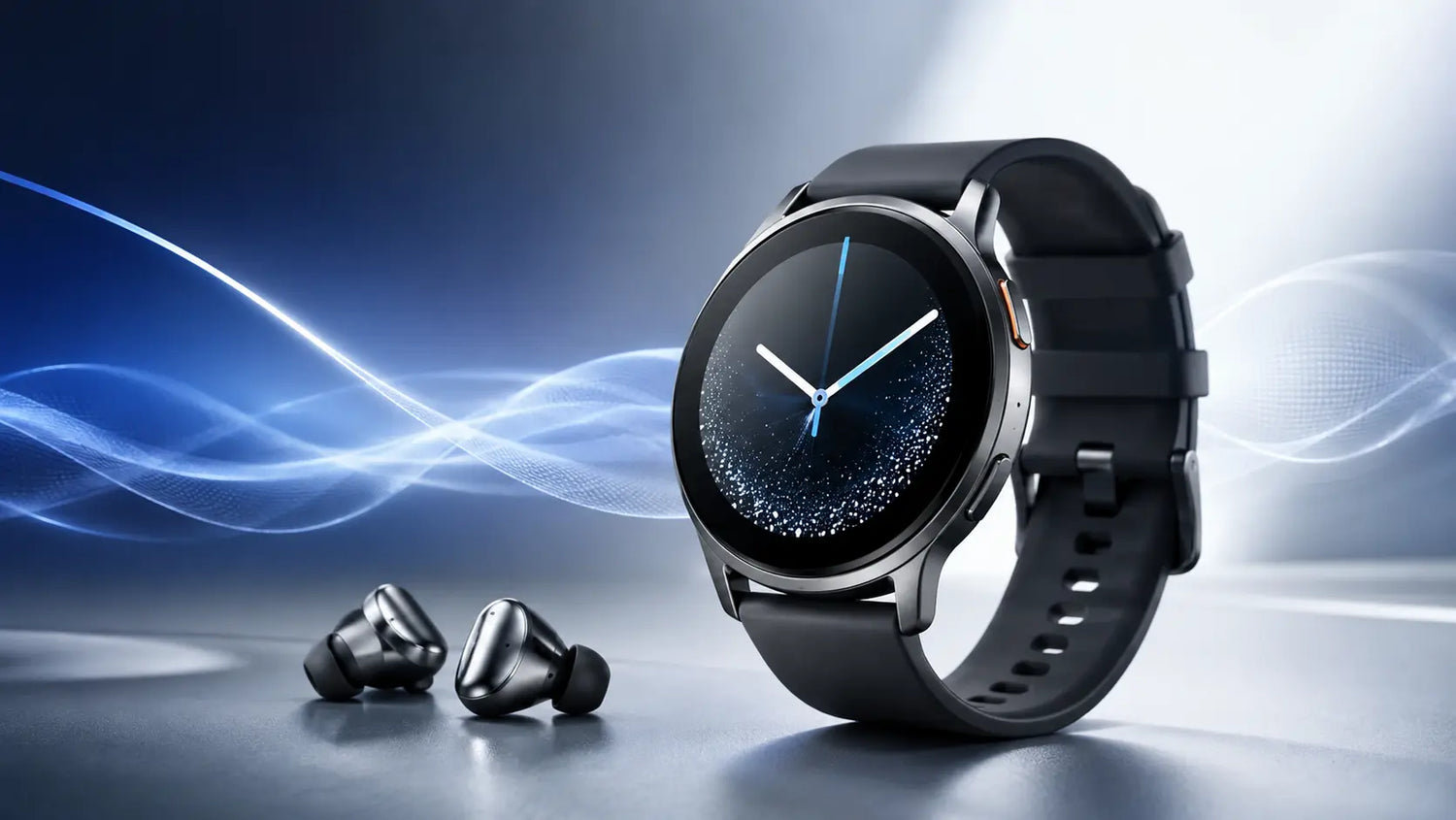
Yes, you can use Spotify offline on Galaxy Watch models like the Samsung Galaxy Watch 8. You need a Spotify Premium account to download playlists, albums, or podcasts directly to the watch. After downloading over Wi-Fi, you can listen without your phone or a data connection.
What offline really means on Galaxy Watch
Offline on the watch means your tracks are stored in the watch storage for playback without internet. Playback works with Bluetooth earbuds and the Spotify app running on the watch. You control playback with the rotating bezel or touch controls.
Supported models and requirements
Spotify offline downloads are available on Wear OS watches, including the Samsung Galaxy Watch 8. You need Spotify Premium, the latest Spotify app on both phone and watch, and Wi-Fi to download. The watch must be unlocked and sufficiently charged during downloads.
Free vs Premium on the watch
Spotify Free can stream over Wi-Fi or LTE with shuffle and ads, but cannot download for offline. Spotify Premium enables downloads and higher quality selection on the watch. Both tiers can control playback on a nearby phone.
How to download Spotify playlists to Samsung watch?
The process is fast on the Samsung Galaxy Watch 8 once everything is set up. Downloads continue even if the screen turns off, provided Wi-Fi stays on. Expect several minutes per large playlist, depending on track count and quality.
Quick steps on the watch
- Open Spotify app
- Find playlist or album
- Tap Download to watch
- Connect to Wi-Fi
- Place on charger
- Wait for completion
After tapping Download to watch, a green arrow appears when the item is fully saved. You can check progress in the Downloads section within the Spotify app on the watch. Restart the app if a download stalls.
Recommended settings before downloading
In the Spotify watch app, set Download quality to Normal for maximum capacity or High for better fidelity. Keep the watch on its charger to prevent power saving from pausing Wi-Fi. Ensure the phone app and watch app are signed in to the same account.
Does Spotify work without phone on Galaxy Watch?
Yes, the Samsung Galaxy Watch 8 can play Spotify without your phone in two ways. First, with LTE it can stream over cellular. Second, with offline downloads it can play locally stored audio with no network at all.
Bluetooth vs LTE models
Galaxy Watch 8 Bluetooth models rely on Wi-Fi for streaming and for downloading content. Once content is downloaded, both Bluetooth and LTE versions play offline identically. LTE adds streaming on the go, but offline still saves battery.
When you can truly leave the phone
With downloaded playlists and paired earbuds, the watch works phone-free for workouts or commutes. Spotify requires a brief online check at least every 30 days to keep downloads active. Keep this in mind before long trips without connectivity.
Storage planning and audio quality
The Galaxy Watch 8 offers ample storage for music, though capacity available to you depends on apps and system files. Spotify download sizes scale with bitrate and track length. Use the estimates below to plan your library.
| Download quality | Bitrate | Approx MB per hour | Hours per 1 GB | 4 min song size |
|---|---|---|---|---|
| Normal | 96 kbps | ~43 MB | ~23 hours | ~2.9 MB |
| High | 160 kbps | ~72 MB | ~14 hours | ~4.8 MB |
At Normal quality, roughly 340 four-minute songs fit per GB. At High quality, expect about 200 four-minute songs per GB. Real results vary with track length and metadata overhead.
Where to check free space
On the watch, go to Settings - Storage to see available capacity before large downloads. If space is low, remove unused apps or old playlists. Deleting and re-downloading can clear corrupted cache entries too.
Using Spotify offline on Galaxy Watch 8 day to day
Pair Bluetooth earbuds or headphones to the watch before you head out. Use the Downloads section to start playback immediately without searching. The bezel on the Galaxy Watch 8 gives fast volume and track scrubbing control.
Battery and performance notes
Streaming over LTE or Wi-Fi consumes more power than offline playback. Turning off LTE and Wi-Fi during offline listening can extend battery life. Keeping Always On Display off further helps during long runs.
Troubleshooting offline downloads
If downloads do not start, confirm Wi-Fi is connected and the watch is unlocked. Verify you are on Spotify Premium and not exceeding device download limits. Consider lowering download quality to speed transfers on slow networks.
Fast fixes to try
- Restart the watch
- Toggle Wi-Fi off-on
- Update Spotify apps
- Free up storage
- Disable power saving
- Re-log into Spotify
If audio stutters offline, unpair and re-pair your earbuds. Keep the watch within 5 to 10 meters of your earbuds to avoid Bluetooth dropouts. Delete and re-download any playlist that repeatedly errors.
Accessories and comfort for workouts
A breathable band helps stability and sensor accuracy during runs. Consider swapping to cushioned Samsung straps for long listening sessions. For charging on the go, explore compact Samsung accessories that fit in a gym bag.
Why band choice matters for control
A snug fit keeps the Galaxy Watch 8 secure so you can use the bezel and buttons confidently. Sweat resistant materials reduce skin irritation during extended playlists. Quick-release pins make band changes tool-free.
Advanced tips for power users
Create a dedicated Running playlist with 120 to 180 BPM tracks for cadence consistency. Add podcasts to Downloads the night before travel to bypass hotel Wi-Fi. Use the watch microphone to search by voice when online, then save for offline.
Smart syncing habits
Schedule large downloads while the watch is charging to avoid pauses. Regularly rotate playlists so you do not hit device limits. Keep the phone and watch on the same Wi-Fi to speed up initial sign-in.
FAQ
Can I use Spotify offline on the Samsung Galaxy Watch 8?
Yes, with Spotify Premium you can download playlists, albums, and podcasts to the Galaxy Watch 8 for phone-free listening. Use Wi-Fi to download, then switch to offline playback anywhere. The on-watch Downloads section shows saved content.
How many songs can I store offline?
At High quality, expect roughly 200 four-minute songs per GB. At Normal quality, about 340 four-minute songs per GB. Your total depends on available storage and other installed apps.
Do I need LTE for offline listening?
No, LTE is not required for offline playback. LTE only helps for streaming and searching on the go. Downloads still require Wi-Fi or a temporary LTE connection before you leave.
Can I download podcasts to the watch?
Yes, podcasts can be saved for offline playback on the watch. Episodes download like playlists and appear in Downloads. Audiobook availability and offline support on the watch can vary by region and catalog.
Can Spotify play local MP3 files on the watch?
No, Spotify on the watch cannot play local MP3s. It only plays content from your Spotify library. Use the Samsung Music app for local files if needed.
Do downloads expire?
Spotify requires you to go online at least every 30 days to keep downloads active. If the account cannot be verified, downloads may be removed until you reconnect. A brief Wi-Fi check is sufficient.
Conclusion
Yes - you can use Spotify offline on Galaxy Watch, including the Samsung Galaxy Watch 8. With Spotify Premium, download your playlists and podcasts over Wi-Fi and enjoy phone-free listening anywhere. Pair your earbuds, press play, and leave the phone behind with confidence.


Leave a comment
All comments are moderated before being published.
This site is protected by hCaptcha and the hCaptcha Privacy Policy and Terms of Service apply.