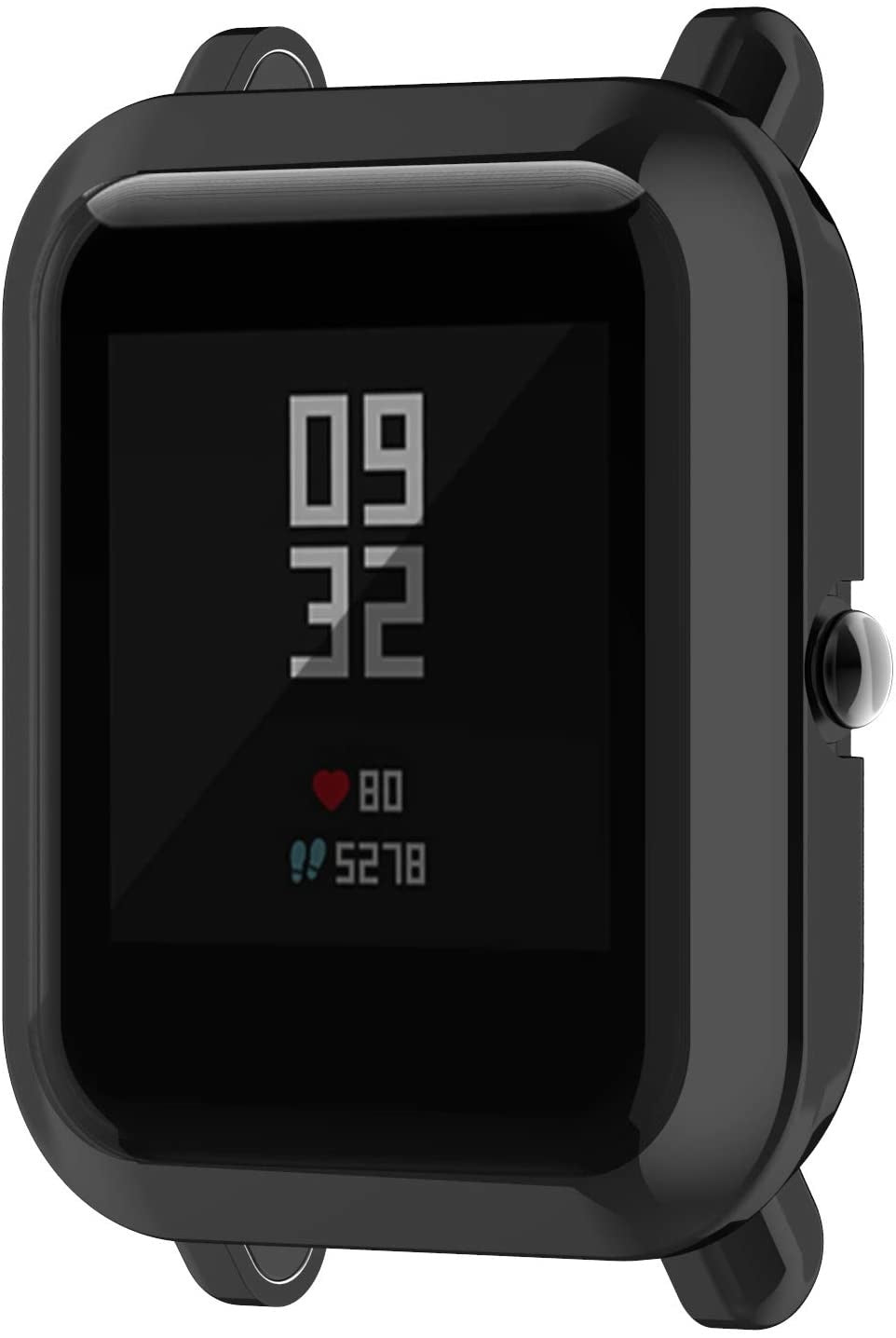






Which Xiaomi Watch/ Band Do I Have?
🔍 Quick Identification
Pro Tip: Look at the back of your watch casing. The model name or model number is usually engraved on the back of the watch, along with other product details.

Using Your Xiaomi or Paired Phone
🛠️ On the Watch/ Band
|
1
|
Swipe up or press the side button to open the menu |
|
2
|
Go to Settings ⚙️ → About (or About Watch) |
|
3
|
You’ll see the device name, model number, and other details |

📱 In the Mi Fitness App
|
1
|
Open the Mi Fitness app on your phone |
|
2
|
Tap the Device tab and select your connected watch |
|
3
|
Go to About Device to view the model information |
📦 On the Box
|
1
|
You can also find the model number on the original box under the barcode |
|
2
|
In Settings, look under Regulatory or Certificates for additional model identification |
⚡ Instant Strap Finder
⚠️ Important: Always check the full model name and case size (mm), as straps are not always compatible across different Xiaomi Watch/ Band sizes.
Want to Check Another Watch Brand?
If you’d like to explore straps for a different brand, go back to the main menu.
BACK TO MAIN GUIDE🚚 Free Shipping (orders > £35)
⚡ Same-Day Dispatch (before 9pm)
🇬🇧 100-day returns & exchanges
🔒 Trusted Shop Protection